Mobile (React Native with Expo) DALL-E Image Gallery
Video Link: https://youtu.be/Axt1it17200
GitHub Repository: https://github.com/Ashot72/Mobile-DALL-E-Image-Gallery
I built a React Native Mobile app with Expo, https://expo.dev/ where you can generate a DALL-E image with a voice prompt. The app implements a
text-to-sound feature that allows you to listen to the prompts using voice. The app uses Microsoft Azure Identity for login in a React Native app.
To allow the application to interact with the Microsoft server, it needs to be registered through Microsoft Application Registration Portal.
The app data are saved into a SharePoint list.
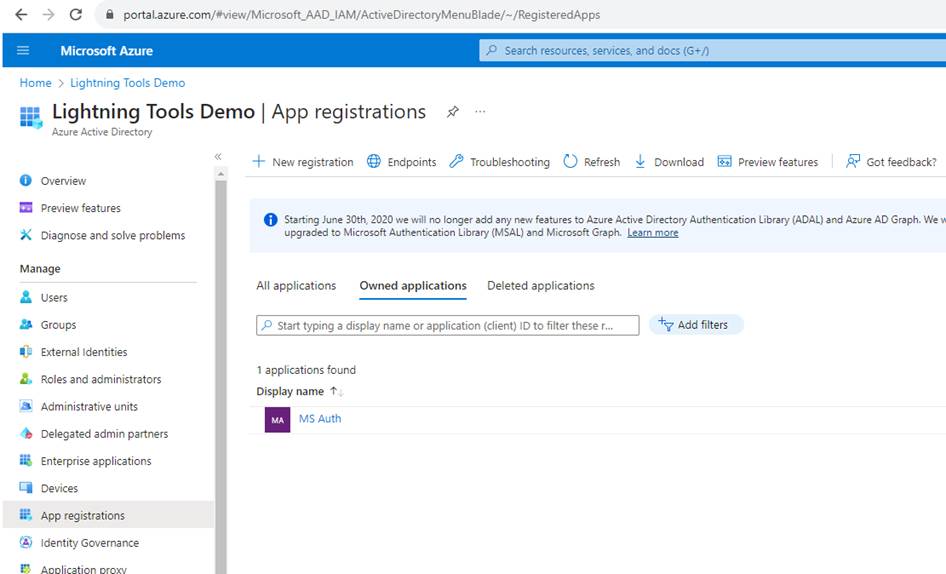
Figure 1
I registered MS Auth app.
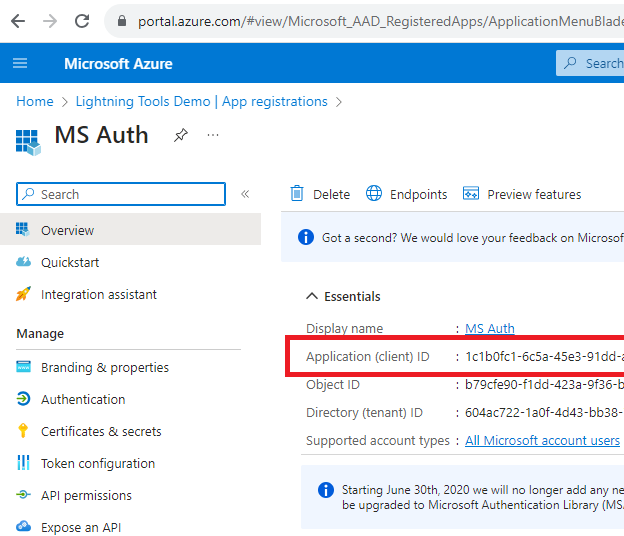
Figure 2
Once the app is registered, an Application ID will be generated.
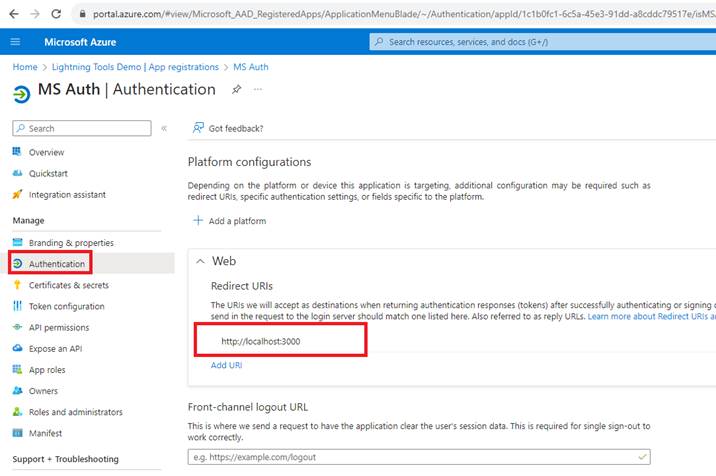
Figure 3
To get the authentication to work on React Native without using other third-party libraries, we will utilize the
WebView component and specify the Redirect URI inside the app. Consequently, we will need a secret key for
communicating with the Microsoft Authentication service through the web interface.
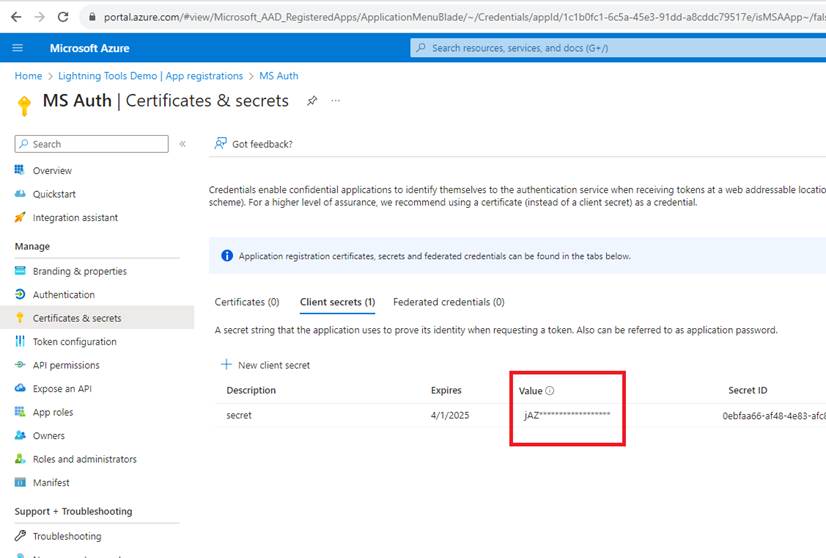
Figure 4
We created the secret, but there is one more thing: we need to inform Microsoft about the platform on which we are going to integrate this app.
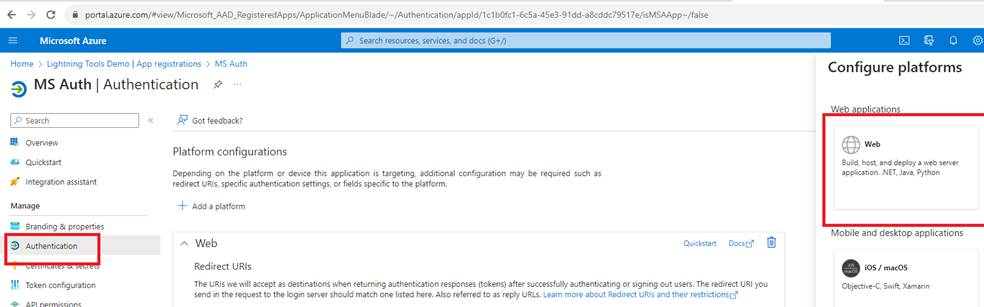
Figure 5
We go to Authentication -> Add a platform -> Web, add that platform as we will be using JavaScript to access the service.
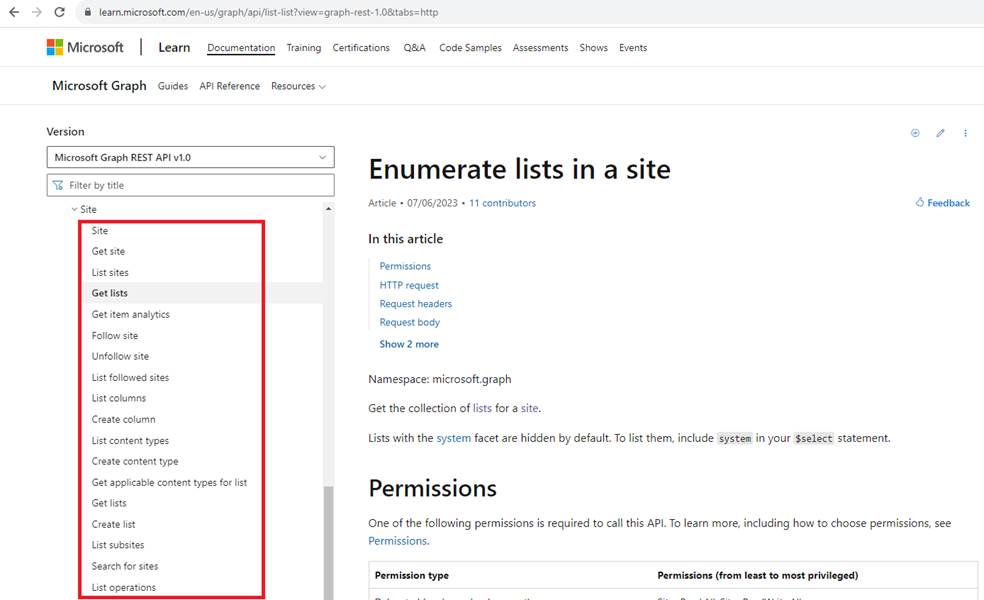
Figure 6
Once a user is authenticated, he can interact with SharePoint lists, create a list, add a list item etc.
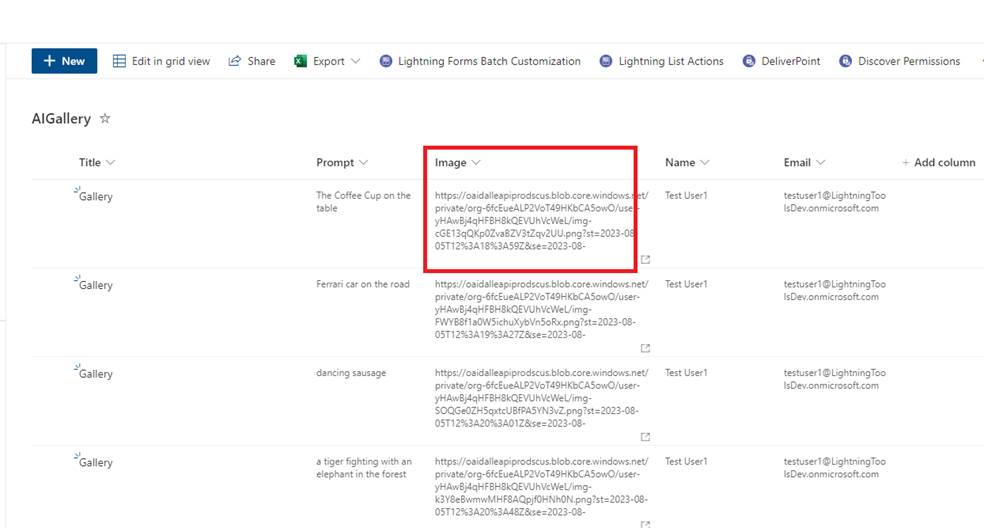
Figure 7
You see, instead of a hyperlink column, we created a multiline text column for an image URL.
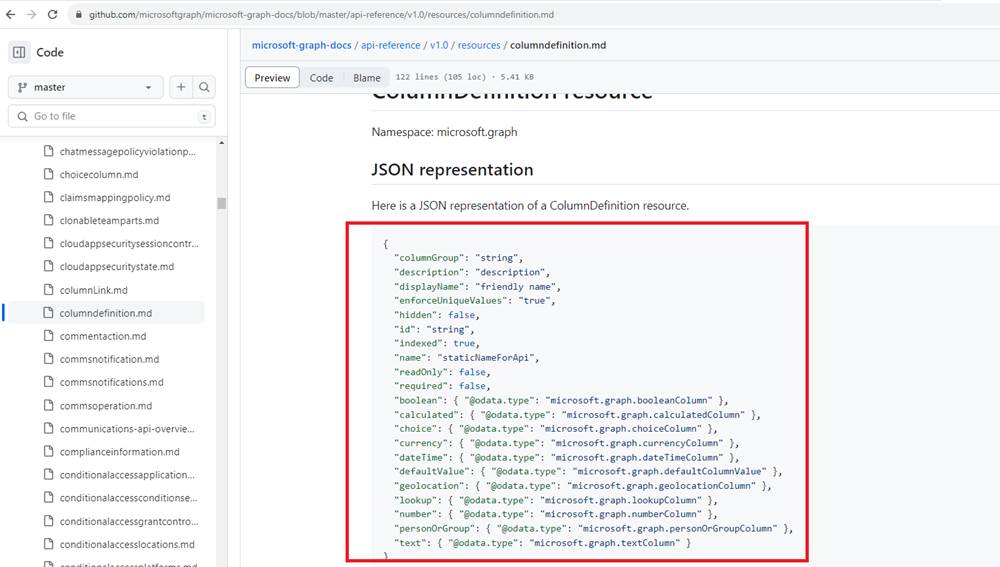
Figure 8
The reason is that hyperlink column is not supported.
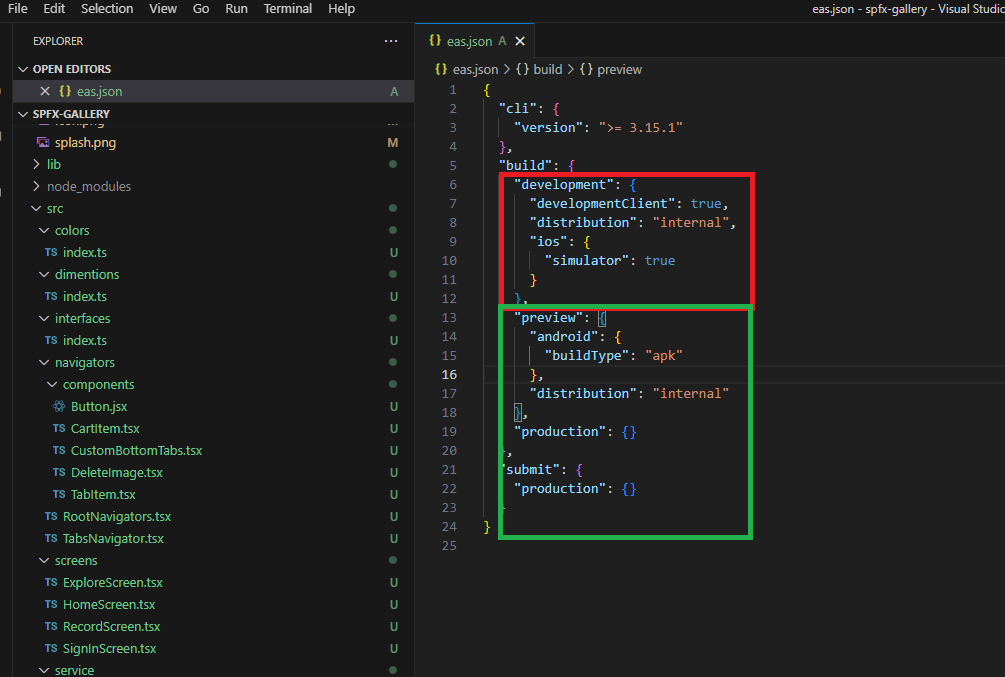
Figure 9
We use EAS Build server to build both development and preview builds.
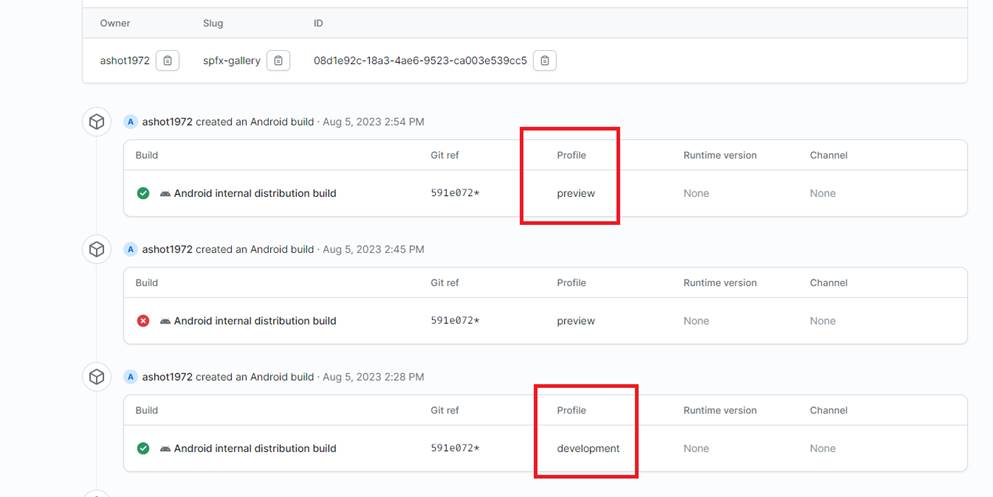
Figure 10
Building both development and preview builds.
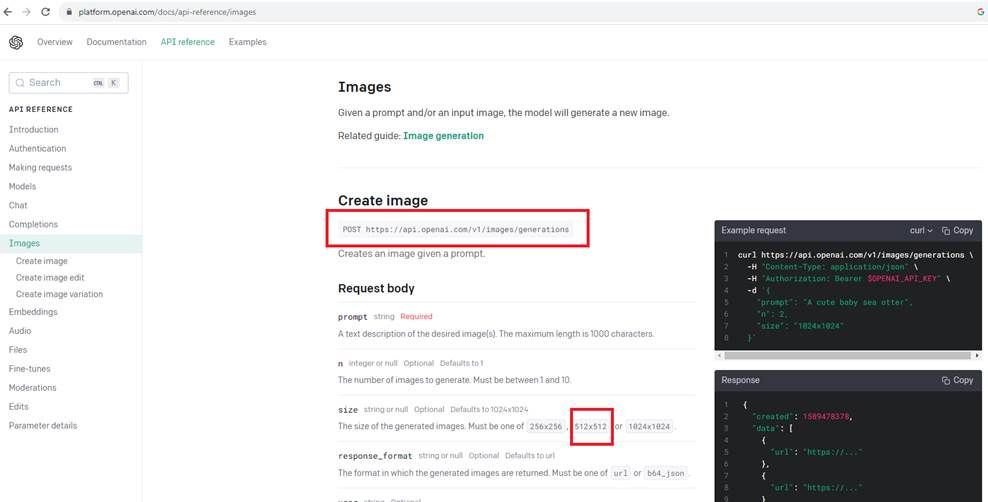
Figure 11
We use OpenAI's DALL-E endpoint to generate 512x512 images from prompts.